
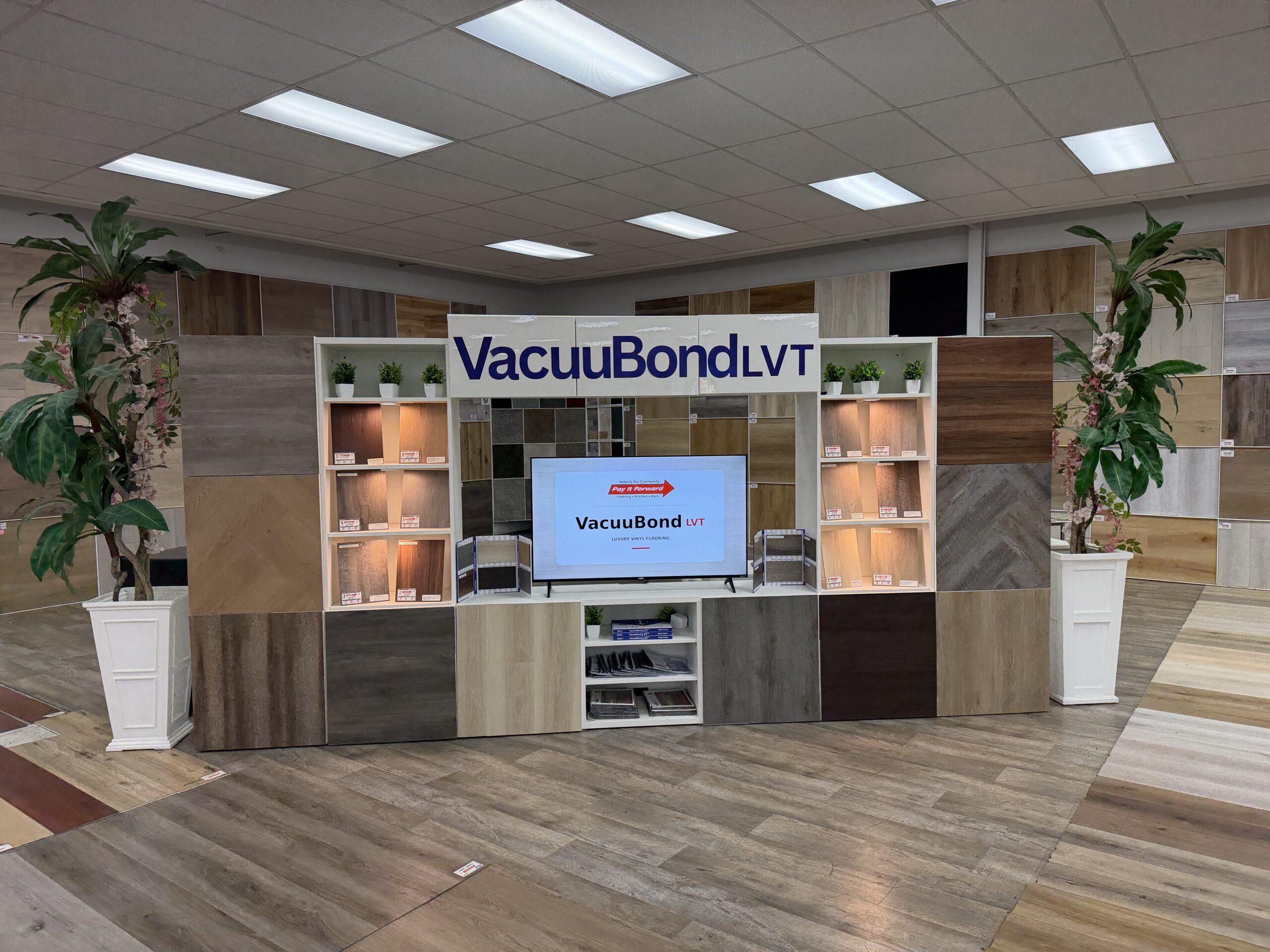
A flooring room visualizer helps you compare colors, plank styles, and room layouts before you commit to a product. It is most useful when paired with samples and real showroom guidance.
A flooring room visualizer helps you see how different floors might look before you commit to a product. It is not a replacement for samples or a showroom visit, but it is one of the fastest ways to narrow the choices from dozens of options to a short list that makes sense.
Pay It Forward Flooring’s room visualizer can be used from the visualizer page with the full catalog available, and products can also be viewed directly from product pages when available.
What a Room Visualizer Is Good For
A room visualizer is best for comparing broad design decisions. It helps answer questions like:
- Do I like light, medium, or dark flooring in this room?
- Does gray, brown, beige, or natural oak look better with my cabinets?
- Will wide plank flooring make the room feel more open?
- Does the floor look too busy with the furniture or wall color?
- Should I compare LVP, laminate, or carpet before visiting the showroom?
Those decisions are hard to make from a small sample alone. Seeing a floor across a room scene gives better context.
What a Room Visualizer Cannot Guarantee
A visualizer is a planning tool, not a final color guarantee. Screens display color differently. Room lighting changes throughout the day. Las Vegas homes with bright sun exposure can make flooring appear lighter, warmer, cooler, or more reflective than expected.
The National Weather Service describes Las Vegas as part of the Mojave Desert climate, and strong sunlight is a real design consideration in many homes. For rooms with large windows or patio doors, always confirm the final choice with a sample in the actual room when possible.
Start With the Room, Not the Product
Before opening the visualizer, decide what room you are shopping for. A floor that looks beautiful in a staged living room may not be right for a rental hallway, pet area, kitchen, or bedroom.
Think through the room’s use first:
- High traffic or low traffic?
- Pets or no pets?
- Moisture risk or dry room?
- Modern, warm, rustic, clean, or traditional style?
- Budget project or long-term remodel?
Compare Color Families
Use the visualizer to compare broad color families before getting stuck on individual product names. Try at least one light natural tone, one medium brown, one gray or cool tone, and one warmer option. This quickly shows which direction fits the room.
In many Las Vegas homes, mid-tone natural floors can be forgiving because they hide dust better than very dark floors and feel warmer than some cooler gray tones. That does not mean they are always best, but they are worth comparing.
Compare Product Categories
The visualizer can help compare LVP, laminate, carpet, and other surfaces. Use it to narrow the look, then compare specs separately. A visualizer shows appearance; it does not tell you wear layer, thickness, water resistance, stock, price, or installation requirements by itself.
Use It With Product Pages
If you start on a product page, use the visualizer to see that specific floor in context. This is useful when a product already has the right specs and you are deciding whether the color works. If you start from the main visualizer page, use it to explore the full catalog and find products you may not have considered.
Save or Screenshot Favorites
When you find a few good options, save screenshots or write down the product names. Bring those to the showroom or use them when requesting help. That makes the conversation faster and more specific.
Confirm With Samples
Once you narrow the choices, confirm with physical samples or showroom viewing. Look at the sample next to cabinets, paint, trim, furniture, and natural light. If possible, check it at different times of day.
Bottom Line
A flooring room visualizer is one of the best ways to narrow style choices before buying. Use it to compare color, plank look, and room feel, then confirm the final product by specs, availability, and samples. Start with the Pay It Forward Flooring room visualizer, then browse current products or contact the showroom for help.
Helpful Sources
FAQ
Is a room visualizer accurate?
It is useful for narrowing style and color direction, but it should not be treated as a perfect color match. Confirm with samples when possible.
Can I use my own room photo?
If the visualizer supports it, using your own room photo can be helpful. The quality of the photo and lighting will affect the result.
Should I choose flooring based only on the visualizer?
No. Use it to narrow choices, then compare product specs, availability, installation requirements, and physical samples.